
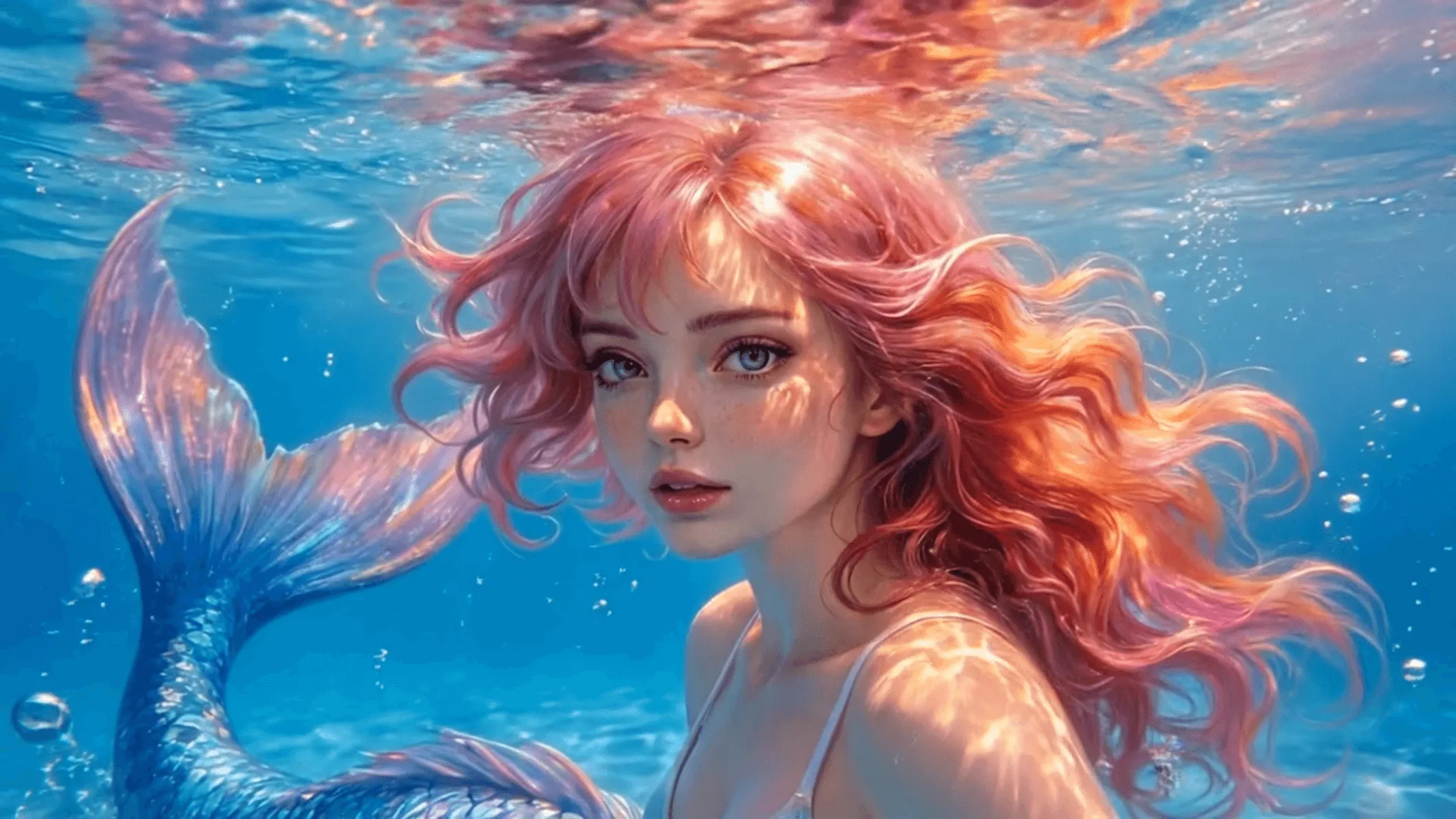


Primary workspace · AI Studio
Create with AI Video, Image & Music — all in AI Studio.
AI Studio is the main entry: run generators, then review everything in Works. Legacy apps remain as secondary full-product pages.
Tip: start here every session — Works keeps every Studio output in one timeline.
- Free to start — one account for Studio and catalog
- AI Video, Image, and Music with a unified Works library
- No bloated dashboards — clear generators, fast outputs
What you can run in AI Studio
Clips, ads, and social-ready motion
Portraits, scenes, and still assets
Tracks and stems for campaigns
ID photos without a studio day
Clips, ads, and social-ready motion
Portraits, scenes, and still assets
Tracks and stems for campaigns
ID photos without a studio day
Short spots from briefs
Jump between Studio generators or open legacy apps
/apps — specs & legacy launches, not the main canvas
Ship fast, iterate per app
Short spots from briefs
Jump between Studio generators or open legacy apps
/apps — specs & legacy launches, not the main canvas
Ship fast, iterate per app
Main creation lanes
AI Video · AI Image · AI Music
Three primary entrances — each card opens the matching Studio generator. Full standalone products are linked below in small type.
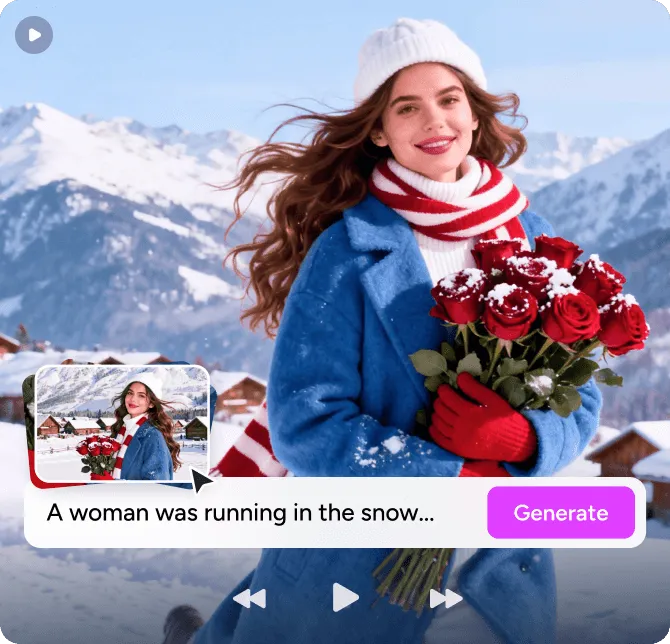
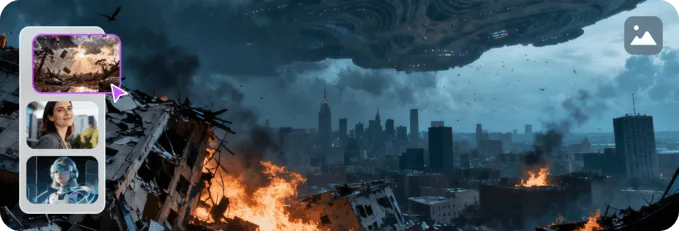
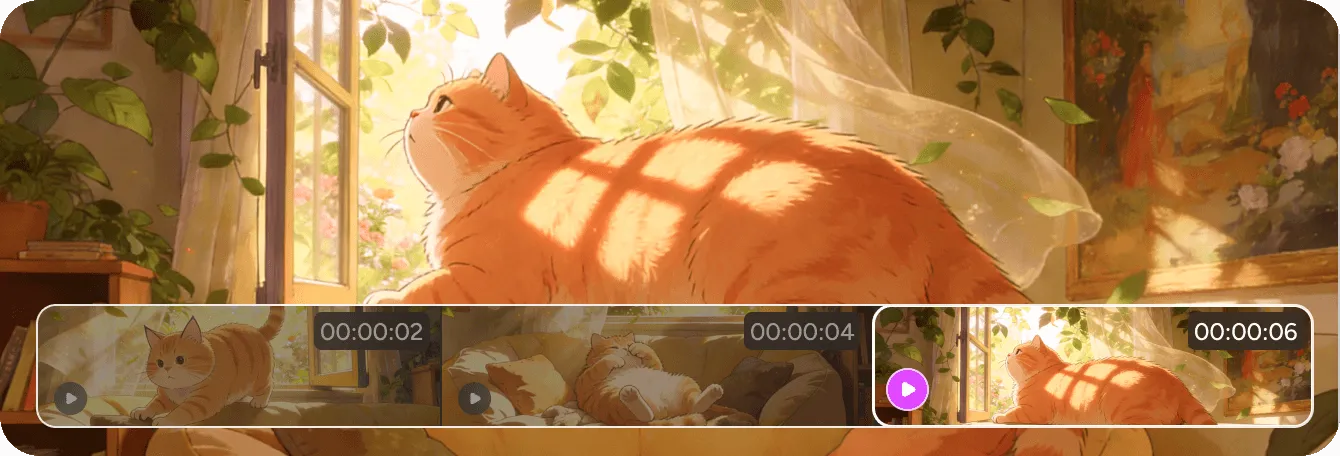
Start from a prompt
Inspirations — jump straight into Studio
Each tile is a one-click start: we open the right Studio generator with a suggested prompt you can edit and run.
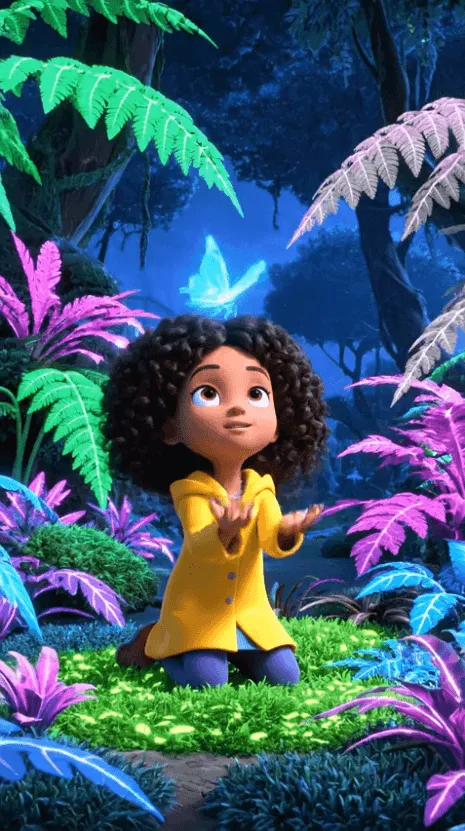 Video
VideoProduct promo concepts
Start in Studio → Video
VideoScene and storyboard beats
Start in Studio → Video
VideoProduct promo concepts
Start in Studio → Video
VideoScene and storyboard beats
Start in Studio → Video
VideoProduct promo concepts
Start in Studio →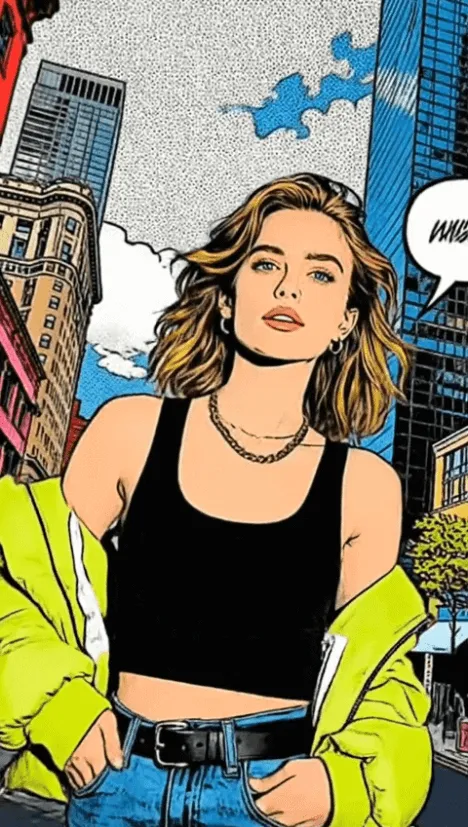 Video
VideoScene and storyboard beats
Start in Studio →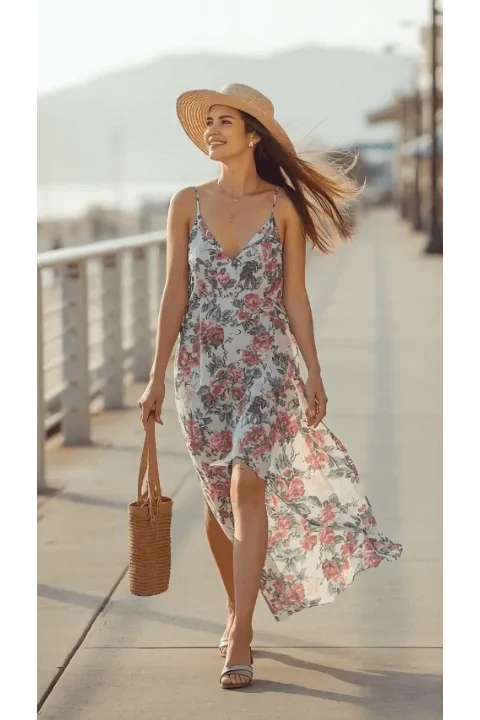 Video
VideoProduct promo concepts
Start in Studio → Video
VideoScene and storyboard beats
Start in Studio →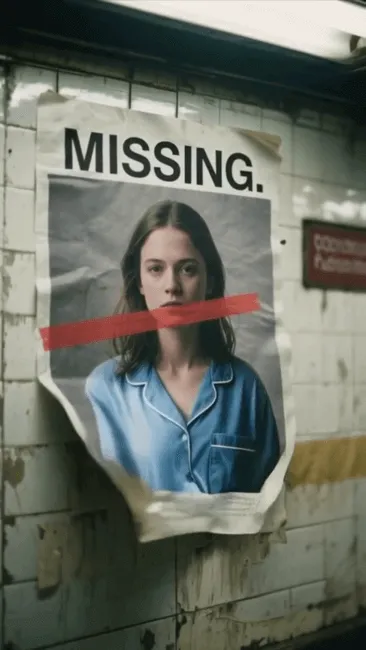 Video
VideoProduct promo concepts
Start in Studio → Video
VideoScene and storyboard beats
Start in Studio → Video
VideoProduct promo concepts
Start in Studio → Video
VideoScene and storyboard beats
Start in Studio →
Built for how real teams ship
Pick a workflow — each path opens AI Studio. Browse /apps when you need legacy tool pages.
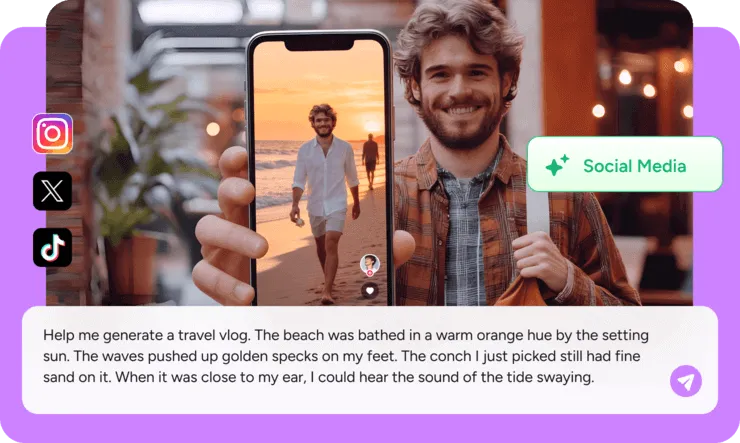
Creators & solo makers
Ship audio and visuals fast without a full production stack.
- Draft songs and stems before you post
- Refresh headshots when your brand evolves
- Drop short clips when the algorithm demands volume


Fast to start · Real tools, not demos · Built for creators and teams





- Start in minutes with a single MiniForge account
- Each app maps to a real product you can open today
- Designed for solo makers and small teams who ship often
Questions before you dive in
Straight answers about how MiniForge works today — no hidden promises.
Keep going after the homepage
Lightweight entry points — same routes you’ll use inside the product.


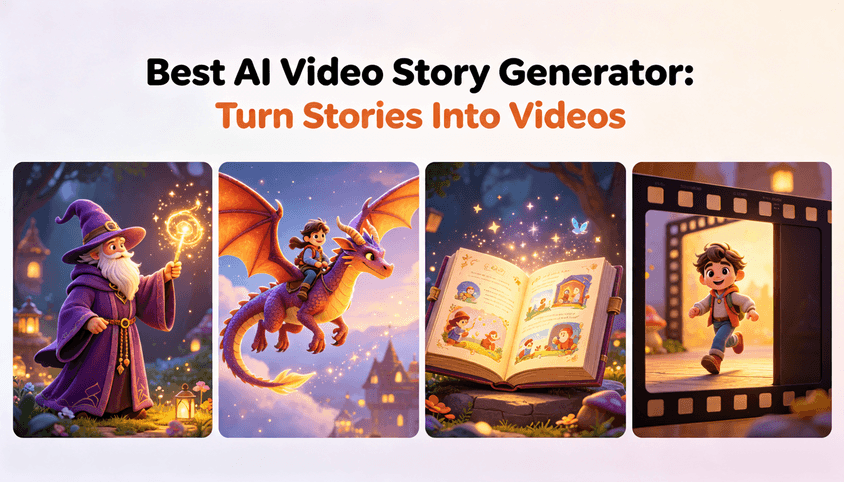


Start in AI Studio — not in the app directory
AI Video, Image, and Music live in one workspace; Works saves every output. Use /apps only when you need a legacy standalone page.
Free tier available · Same account for Studio and catalog pages